
Partners Program
Style Guide
Version 1.0
2025
Trademark
Brand logo
Clear space
Sufficient clear space must be provided around the logo in order to ensure focus and legibility. Do not place any element within the clear space.
Minimum sizing
Minimum size is 108px height on screen, but always try to use our logo large enough to ensure brand presence.

Download


Good practices


Logo over white background

Logo over light blue background

Logo over dark blue background

Logo over image with light background

Logo over image with plain color background

Things to avoid

Rotate the logo

Add shadows or any styles

Stretch the logo

Add outlines

Move or change the logo elements

Crop the logo off the canvas

Modify the colors of the wordmark or the butterfly

Invade safe space with other elements

Apply the logo over a complex image
Product logo
Clear space
Sufficient clear space must be provided around the logo in order to ensure focus and legibility. Do not place any element within the clear space.
Minimum sizing
Minimum size is 108px height on screen, but always try to use our logo large enough to ensure brand presence.
Download

Good practices

Logo over white background

Logo over light blue background

Logo over dark blue background

Logo over image with light background

Logo over image with plain color background
Things to avoid

Rotate the logo

Add shadows or any styles

Stretch the logo

Add outlines


Move or change the logo elements

Crop the logo off the canvas

Modify the colors of the wordmark and the butterfly

Invade safe space with other elements

Apply the logo over a complex image
Partnerships
Cobranding
Use this lockup when combining brand identities. This applies only to logos and brand names, not to product or solution names.
Spacing rulesThe separation between logos must follow the standard clear space: one “E” from the Cybele logo and one and a half “E” after the dividing line for the partner logo.
Usage examples
Invitations, press banners, social media content, corporate documents, web pages.
Partner logo lockup template


Partner example

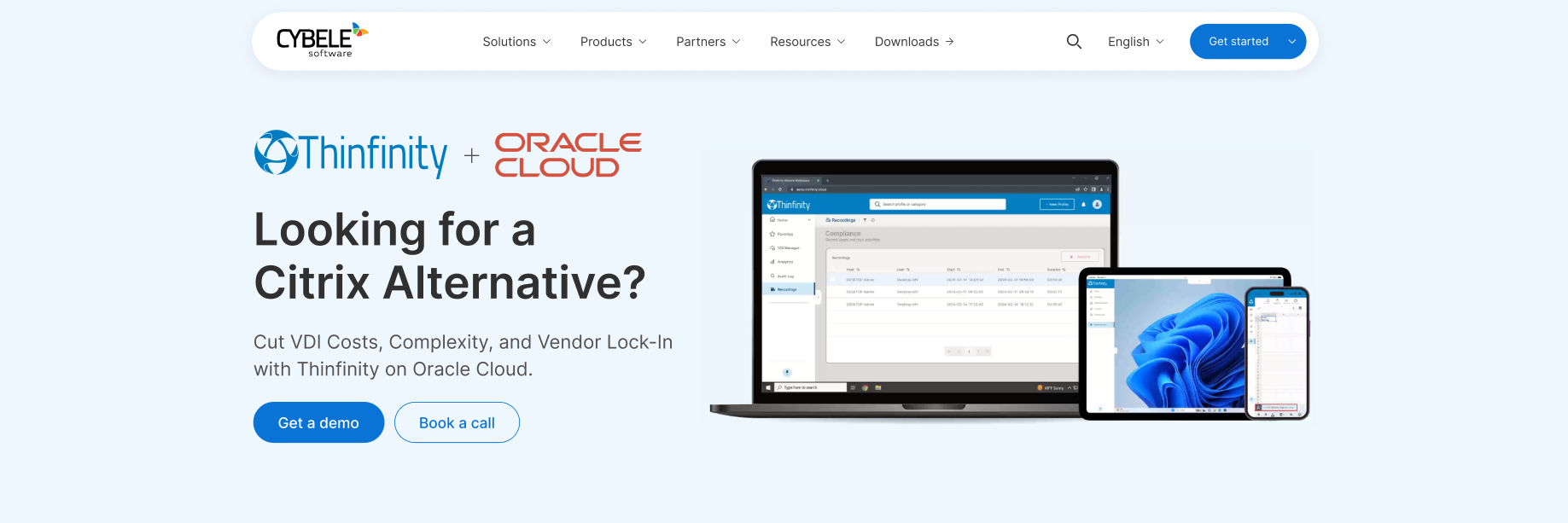
Solution integration
Use this lockup when showcasing the integration of products or solutions. Do not mix brand identities with products in the same lockup.
Spacing rulesEach product name is separated by the “+” symbol, designed with the “Y” from the Thinfinity logo.
Usage examples
Webinars, whitepapers, joint solution briefs.
Product logo lockup template

Solution integration example


Lockup application
Over complex or dark backgrounds, the logo lockup is presented over a white pill, ensuring strong contrast against the background. This guarantees readability and preserves brand integrity even at smaller scales.
Over light backgrounds, both logos appear in their original version.

Cybele Software Partner Program Style Guide v1.0
2002-2025 © Cybele Software, Inc.